AI Agent Honeytokens: Decoys for MCP and Agent Workspaces

AI agent honeytokens turn access to a decoy MCP configuration, URL, credential-shaped value, or workspace artifact into a high-signal alert. Their value depends on placement, unique ownership, and a rehearsed response. This guide separates token alerts from preventive controls and marks the exact point where routed LLM request evidence can help an investigation.
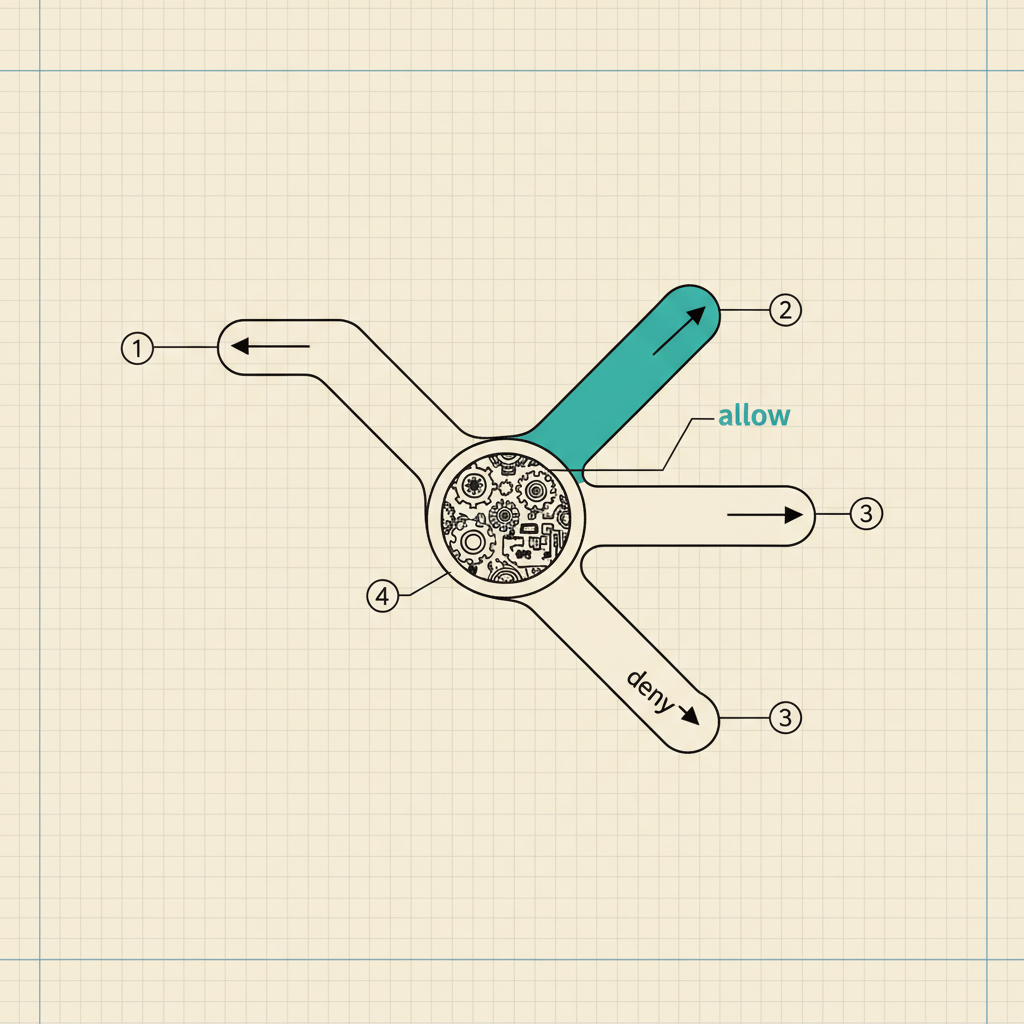
An AI agent honeytoken is a decoy artifact placed where routine users and approved automations have no reason to touch it. Retrieval triggers an alert. So does a connection or tool call. The signal is valuable because the expected legitimate access count is zero.
The technique fits agent workspaces unusually well because repositories contain MCP configuration, environment examples, tool manifests, and credential-shaped strings. An attacker or manipulated agent will inspect those artifacts while looking for reach. A honeytoken gives the security team a tripwire at that step. It does not stop the next action. Placement and response design therefore matter as much as token creation.
TL;DR
- Place unique decoys in locations an approved agent should never read or invoke.
- Thinkst's MCP Canarytoken can alert on client connection or wait for an offered tool call.
- Give every token an owner, location, alert route, and expected zero-touch rule.
- Correlate a hit with agent, identity, LLM request, MCP, and tool logs without merging those boundaries.
A honeytoken is a tripwire with a zero-touch assumption
Thinkst describes Canarytokens as lightweight artifacts placed where nobody should be poking around, with access to one producing a security alert. An ordinary workflow should never read the decoy, so any access deserves investigation.
That assumption has to be written down for an agent deployment. An indexing job that reads every repository file can trip a token during approved operation, and a security scanner that tests every URL can do the same. Put each token behind a clear exclusion rule. Otherwise, choose a location outside those expected sweeps.
My strongest opinion on deployment is simple. A token with routine legitimate traffic is broken instrumentation. Teams sometimes accept recurring false alerts because the deployment effort has already been spent. Replace the token or move it. A tripwire that rings every Tuesday afternoon trains the on-call engineer to ignore the one alert that matters.
The token inventory should record its identifier, owner, location, creation date, alert destination, expected trigger, and approved scanners that may encounter nearby files. Never store a real secret in the inventory field meant to describe the decoy.
MCP configuration gives agents a believable decoy
Thinkst's MCP Configuration Canarytoken documentation provides a JSON configuration for a decoy MCP server that can alert when an MCP client connects or wait until the client calls an offered tool. The generated configuration fits Claude's .claude/mcp.json and Cursor's .cursor/mcp.json locations. A VS Code workspace uses .mcp.json at its root.
An intruder searching a repository for tool access sees a plausible MCP configuration, while a manipulated coding agent may discover the same file during broad workspace inspection. According to the selected mode, the token records a connection or tool invocation.
Connection alerts favor earlier detection. They can also catch benign client discovery. Tool-call alerts wait for stronger interaction and may reduce noise. Pick one based on the expected client behavior, then test the exact client version used in production. A decoy that depends on a file path your client never loads produces confidence without coverage.
MCP tokens sit beside the broader Model Context Protocol security boundary. The alert belongs to the MCP connection or tool path, not an LLM request event.
Token placement should answer one investigation question
Give each token a narrow purpose. Place an MCP configuration token to detect unexpected client or tool activity. Put an HTTP token in a decoy runbook to detect retrieval. Use a credential-shaped token only when its provider behavior and legal ownership are understood. One token copied across ten repositories destroys location precision.
Use unique tokens for production, staging, developer templates, and incident exercises so that, when an alert arrives, the identifier answers where the artifact was planted without requiring someone to open five consoles. The open-source Canarytokens repository is the primary implementation reference for teams that need to inspect or self-host the service.
A practical deployment sequence looks like this:
- Choose one unauthorized action to detect.
- Map the exact artifact an attacker or manipulated agent would encounter, including its file path, URL, workspace, or configuration location.
- Confirm approved scanners and indexers avoid the artifact.
- Create a unique token and register its owner and alert route.
- Trigger it once from a controlled test identity.
- Verify the alert reaches the on-call path with enough token identity to find the inventory row.
- Reset the exercise state and repeat the test on a schedule.
The resulting alert identifies the touched repository and decoy type.
Honeytokens detect access after another control failed
A honeytoken alert means something reached or invoked the decoy. It does not explain the original instruction, authenticate the actor, or block a follow-up action because those answers live in adjacent systems.
For an agent incident, collect five evidence classes without collapsing them:
- Identity provider events for the human or nonhuman principal, including service accounts and agents.
- Agent session and run records for the workflow that handled the instruction.
- Routed model-request and response records when the LLM traffic crossed an inspected HTTP path.
- MCP client and server logs for connections and capability discovery.
- Tool-call and downstream service logs for any API action taken after the token fired.
The sequence can begin with indirect prompt injection or ordinary insider access. A stolen session is another possible starting point. The token alone cannot choose among them. Before resetting clients or deleting the decoy file, preserve timestamps and stable correlation values.
A response playbook starts with containment of the path
The first response action should identify the token and the access mode that fired, since an MCP connection alert and an offered-tool invocation represent different points in the path. Pause the affected agent or client when the deployment can do so safely. Preserve its session. Capture process and network evidence before rebuilding the workspace.
Next, identify the principal behind the agent request and review adjacent actions. Search for other token hits from the same identity, host, session, or service account. Inspect real credentials located near the decoy, then rotate them when evidence shows they may have been exposed. Broad rotation without evidence can erase useful state and create an outage during the investigation.
Finish with a replay in an isolated environment. The team should be able to reproduce the trigger, locate the agent run, retrieve the MCP event, and join any routed model requests. AI security incident response needs that evidence chain. A message in an alert channel is only the starting point.
The HTTP LLM boundary is narrower than the token path
An MCP client can connect to a decoy server without sending an LLM request. A local coding agent can read .mcp.json and invoke a tool through a transport the LLM gateway never sees. A stolen credential can trigger a cloud service directly. Those paths sit outside an authenticated user-or-agent to LLM HTTP proxy.
The boundary becomes relevant when the workflow sends prompts or retrieved content through a routed model endpoint. An independent request record can show the authenticated principal and model, state the policy version and whether the request was allowed or blocked, and preserve timing that helps link the model step with a later token alert.
A policy gateway can contribute request evidence and enforcement only on traffic it inspects. The honeytoken service remains the detector for access to its decoy. The MCP endpoint and downstream service retain their own logs.
DeepInspect
DeepInspect contributes evidence only for authenticated HTTP model traffic deliberately routed through it. For those calls, it evaluates application-supplied identity and role, prompt classification, destination, and versioned policy before forwarding permitted traffic. Each decision produces a record that can be correlated by time and workflow identifiers with an agent run.
The MCP connection, local workspace read, token alert, and downstream tool action remain separate events. Joining those records produces an honest incident timeline without claiming that an LLM proxy observed the entire agent runtime. If the relevant model call bypassed the routed path, DeepInspect has no record for it.
Book a technical deep dive at deepinspect.ai.
Frequently asked questions
- What makes a honeytoken suitable for an AI agent?
The artifact should look relevant to the agent's available workspace or tool configuration while remaining outside every approved workflow. MCP configurations, decoy URLs, credential-shaped values, and workspace artifacts can fit that pattern. The token needs a unique owner and location so an alert identifies the planted artifact immediately.
- Should an MCP token alert on connection or tool use?
Connection mode detects earlier interaction and may also fire during benign client discovery. Tool-call mode waits until the client invokes an offered tool, which can provide a stronger signal. Test both against the production client. Choose the mode whose legitimate expected count is zero.
- Can a honeytoken prevent prompt injection?
A honeytoken detects interaction with a decoy. Prompt inspection, identity-bound authorization, tool approval, and endpoint policy are separate preventive controls. Use the token to expose a path those controls failed to stop, then investigate the surrounding records.
- Where should token alerts go?
Send them to an on-call path with an inventory lookup and named owner. The alert needs enough token identity to locate its deployment record without exposing nearby real credentials. Test delivery and response during an exercise. The first production hit is a bad time to discover a broken alert route.