Windsurf Security: Six Devin Desktop Boundaries to Review

Windsurf security now needs current Cognition terminology. Devin Desktop provides native controls for SSO, SCIM, RBAC, model availability, terminal execution, MCP access, deployment, and sharing. Cognition separately documents encryption and customer-data practices. These preventive controls need distinct owners, and only configurable AI HTTP traffic can pass through an independent request-policy gateway.
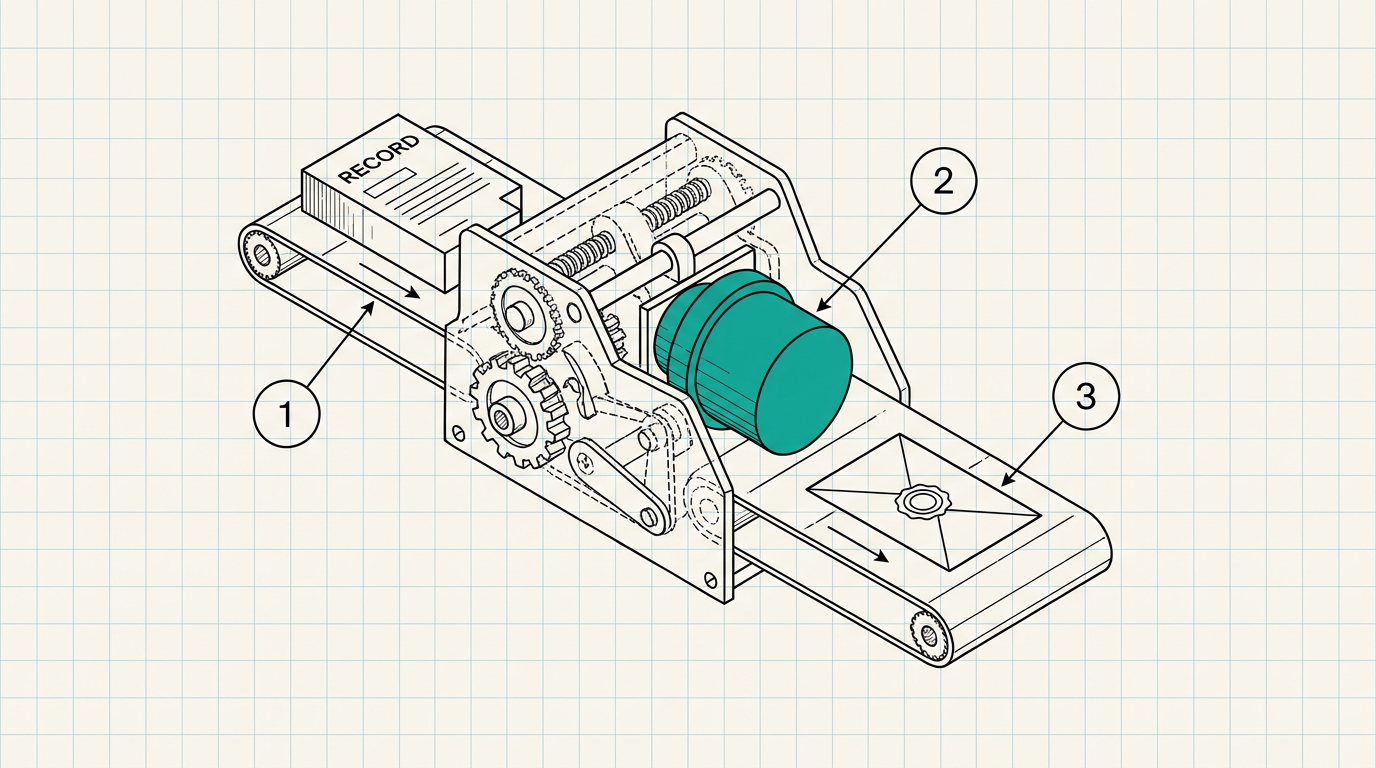
Cognition's current desktop documentation uses Devin Desktop. Devin CLI names the command-line agent, and "Legacy Windsurf Enterprise" now describes a qualified authentication and billing path. The first security task is therefore architectural translation: map old Windsurf contracts and settings to the current user and organization controls. Include the agent and terminal controls, plus MCP access, repository access, and model selection. I want to review six preventive boundaries and keep local agent actions separate from AI HTTP requests that a customer can route through an external policy gateway.
TL;DR
- Current Windsurf security reviews should map legacy product labels to Devin Desktop and Devin CLI in the specific Cognition tenant in use.
- Devin Desktop documents SAML SSO and SCIM, enterprise RBAC and model restrictions, terminal and MCP controls, plus deployment permissions and sharing settings.
- Terminal execution and MCP can create effects beyond the AI request path, so endpoint and platform controls retain ownership.
- An independent gateway applies only to configurable HTTP LLM traffic deliberately routed through it with caller context.
Identity begins with SSO and SCIM configuration
The Devin Desktop SSO and SCIM guide documents SAML-based SSO with providers including Microsoft Entra ID and Okta. Google Workspace is also included. SCIM supports account synchronization. The page specifies SP-initiated SSO and says IdP-initiated SSO is currently unsupported. Its Okta instructions also state that OIDC is unsupported.
These are precise test conditions. Launch access through the Devin Desktop service-provider path with a named test account, then attempt the disabled IdP-initiated pattern and preserve the result. Create and deactivate a SCIM test user. Record propagation time and group mapping. Also record the tenant identifier and session behavior after deactivation. The review should also establish which break-glass account survives an identity-provider outage and who monitors its use.
A successful SAML assertion authenticates the user to the vendor surface. It does not by itself decide which model that person may call or which terminal command may run. It also does not decide which prompt content may leave through an external endpoint. Those controls follow at different points.
Enterprise RBAC governs administrative authority
Cognition documents Devin Desktop RBAC as an Enterprise-plan feature. Administrators can create custom roles and assign granular permissions for analytics and team management; indexing and SSO; service keys and billing; role management and team settings. Default Admin receives all available permissions. Default User receives none by default, and roles can be assigned to users or groups.
That model deserves a denial-oriented test. Create a custom role with one selected administrative permission and confirm blocked access to the remaining settings. Apply it through a group and remove the user. Then test the session again. Export or screenshot the final role definition plus assignment source.
A page filled with blue permission toggles can look authoritative while inherited group membership changes the effective result. Capture the user's actual effective role in addition to the role template. I would reject a review based only on screenshots of default roles because custom assignments and group mappings decide the deployed boundary.
Model and terminal controls prevent different actions
The Devin Desktop enterprise admin guide lets administrators restrict available AI models by specific model or by provider. Only one filter type is enforced at a time. A test plan should record which mode is active and the approved set. It should also record the expected result when a user selects a blocked destination.
The same guide documents organization-level terminal controls. Administrators can govern automatic execution and configure terminal allowlists or denylists. These settings apply to commands on the endpoint or execution environment. They need command-level tests with harmless fixtures, including a permitted read and a denied write in a test directory.
Model selection governs which AI endpoint the product offers. Terminal policy governs local or remote command execution initiated through the desktop agent. Treating either setting as proof for the other creates a blind spot. An HTTP request gateway cannot stop a local file change that never crosses its network path. Endpoint controls and terminal approvals remain the appropriate owners. Repository protections and operating-system telemetry retain their own ownership.
MCP and deployment expand the action surface
Cognition also documents organization settings for MCP availability and allowlisting. It separately documents app-deploy permissions and conversation sharing. The admin guide warns that MCP can create infrastructure outside Devin Desktop's security monitoring. That warning should appear verbatim in the risk register's scope statement through a link to the source, followed by named control owners for each connected server.
Inventory every allowed MCP server by URL or transport and authentication method. Record its tool set and owner, along with its data scope. Exercise one denied server and one approved tool call. For deployment, verify which role can publish an application and where approval evidence is stored. Conversation-sharing settings need a test using synthetic content under a restricted user.
These are action controls. MCP tools may touch cloud infrastructure or repositories. Deployment permissions can expose a new service. Sharing can disclose session content. The zero-trust LLM pattern covers model traffic at its own boundary, while these adjacent actions require their native platform and cloud controls. Repository and endpoint controls remain separate.
Cognition's data controls belong in the vendor boundary
Cognition's enterprise security documentation says data is encrypted in transit and at rest and that production access follows a need-to-know model. The vendor states it has held SOC 2 Type II certification since September 2024. It also says customer data and code are not used to train its models by default.
Those claims support vendor due diligence and contract review. Request the applicable report and confirm its scope and period. Confirm the subservice organizations and customer responsibilities through the procurement process. Map encryption and vendor access to the exact Devin Desktop or Devin service in use. Keep retention and deletion terms tied to the contract and current documentation.
The vendor boundary protects Cognition-operated systems and customer data handled there. Customer endpoint posture and identity lifecycle remain separate. Repository branch controls and MCP infrastructure retain separate ownership, as does deployed application security. A model-request policy point contributes another narrow layer only where the traffic can be configured to traverse it.
Routed model calls need caller-aware policy
A customer-controlled integration may send an AI HTTP request toward an approved model after a Devin-related workflow begins. If the application routes that request through an external gateway and supplies the originating user or agent, policy can evaluate role and prompt classification. It can also evaluate purpose and destination, along with the operation, before forwarding.
This is AI policy enforcement at the HTTP layer. The gateway record should preserve the application-supplied principal and relay identity; selected route and classification; policy version and outcome; timestamp and correlation value. Missing caller context should follow a defined exception policy or fail closed.
Proprietary Devin or Cascade model calls may remain inside Cognition's managed path. Coverage requires an actual customer-configurable HTTP route. The architecture diagram should show that route explicitly. Local terminal commands and MCP side effects stay outside DeepInspect's boundary. SSO changes and SCIM updates also stay outside it, as do repository writes, even when the same employee also sends other model calls through it.
DeepInspect
This is the gap DeepInspect closes for configurable AI HTTP routes. DeepInspect is a stateless proxy that evaluates application-supplied identity and role alongside prompt classification and purpose. It also evaluates the model destination and versioned policy before permitted traffic reaches the LLM.
Devin Desktop keeps responsibility for its documented SSO and SCIM controls; RBAC and model controls; terminal and MCP controls; deployment and sharing controls. Cognition retains its vendor security and data-handling boundary. DeepInspect adds an independent allow or block decision, with redaction where policy requires it, plus a signed, tamper-evident record only for the routed requests it inspects. Book a technical deep dive at deepinspect.ai.
Frequently asked questions
- Is Windsurf still the current name for Cognition's desktop product?
Current redirected documentation uses Devin Desktop. Devin CLI names the command-line surface, while "Legacy Windsurf Enterprise" remains a qualified path for authentication and credits, with dashboard access also included. Security inventories should preserve contract labels and map them to the exact current product and tenant. They should also record the version and control pages.
- Which identity controls does Devin Desktop document?
Cognition documents SAML SSO and SCIM synchronization, along with Enterprise-plan RBAC. The SSO guide names Microsoft Entra ID and Okta. It also names Google Workspace, specifies SP-initiated SSO, and excludes IdP-initiated SSO. RBAC supports custom roles plus user or group assignments.
- Can model restrictions govern terminal and MCP actions?
Model restrictions limit available models by a specific-model filter or a provider filter. Terminal allowlists and denylists govern commands, together with automatic-execution settings. MCP availability and server allowlisting cover another action surface. Each control needs its own owner and test, with an evidence record.
- Can DeepInspect secure every Devin Desktop action?
DeepInspect applies to authenticated user or agent traffic routed through its HTTP LLM gateway. Local commands and file changes remain outside that path. SSO and SCIM administration also remain outside it, along with MCP side effects, repository operations, and opaque vendor-managed calls. Their controls stay with Cognition and identity-access management. Endpoint and cloud owners retain their controls, as do repository owners.