Jasper AI Security: What SSO, Role Permissions, and the Audit Log Cover

Jasper secures workspace access through SAML SSO, role-based permissions, and a 90-day Audit Log tracking membership and role changes. Content and API access are gated separately through workspace roles and scoped API keys. None of these controls inspects the content of a specific generation request against the sensitivity of the brand or customer data feeding it. This piece maps where each control ends.
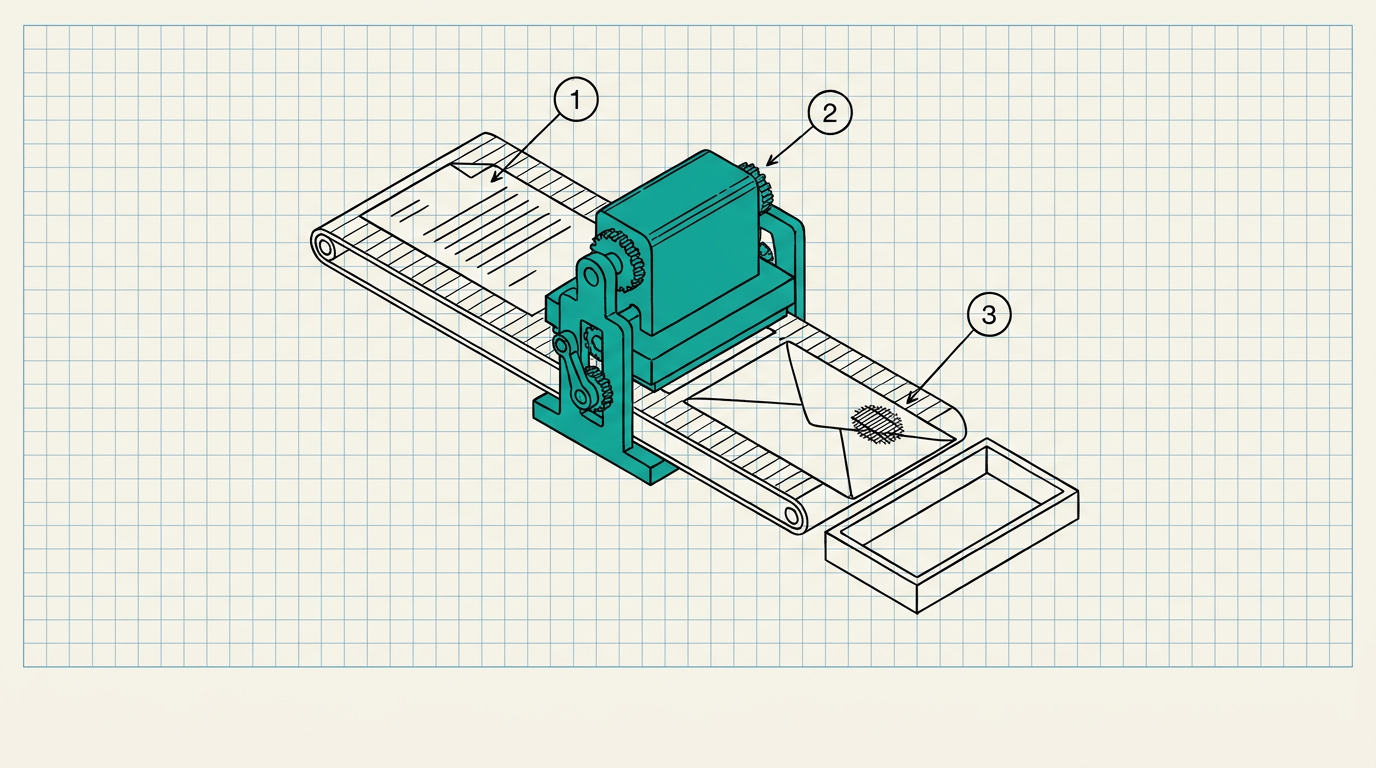
A call into Jasper, whether a marketer typing a prompt into the app or a company's own system calling Jasper's API with an x-api-key header, crosses three separate controls before content comes back. SAML-based SSO and role assignment decide which person can access a workspace at all. A 90-day Audit Log records what changed inside that workspace. API key scoping decides which integration can generate content programmatically. I want to walk through what each one actually secures, and the request none of them evaluate.
TL;DR
- Jasper's SSO runs on SAML 2.0 against providers like Okta and Azure AD, paired with role-based access that Jasper says follows least-privilege principles.
- The Audit Log, a Business-plan feature, retains 90 days of workspace membership and role-change events, exportable as CSV or JSON, visible to Admins only.
- API access is gated by workspace role: token management is scoped to users holding Admin or Developer roles, and API access itself is limited to the Business plan.
- None of these controls evaluates the content of a specific generation request against the brand or customer data feeding the prompt.
SSO and roles authorize the workspace member, not the prompt
Jasper's enterprise SSO integrates with identity providers over SAML 2.0, with setup guides published for Okta and Azure AD. Jasper's security documentation states that IT teams provision access following least-privilege and role-based access principles, and a dedicated Admin Role governs who can manage a workspace's members, brand voices, settings, and API credentials.
That answers who can log into a Jasper workspace and what they can configure once inside. It does not evaluate what a logged-in, fully authorized marketer types into a prompt on any given generation request. An employee with standard workspace access is authorized to use Jasper. That authorization carries no information about whether the customer quote or unreleased pricing figure they paste into a prompt should have gone to a model at all.
The Audit Log tracks membership, not generation content
Jasper's Audit Log, available on the Business plan, keeps a 90-day chronological record of workspace-level events: invite links created, sent, accepted, or rescinded; users added to or removed from a workspace; role changes such as a member being promoted to Admin. The log is exportable as CSV or JSON and restricted to Admin viewing.
Separately, Jasper's security documentation describes centralized logging on its production infrastructure, retained for at least a year and monitored for anomalies. Neither log answers a question a compliance reviewer is likely to ask after an incident: which brand asset, customer record, API credential, or draft document fed a specific piece of generated content, and under what authorization. The Audit Log tracks user invites and role changes, describing who can act inside the workspace.
Data retention and training-data policy protect what happens after the request, not before
Jasper states that customer data is retained for the length of the customer agreement, with defined deletion procedures after termination and daily encrypted backups segregated from production systems. Jasper also states that customer inputs and outputs are not used to train third-party models, a meaningful commitment given how many AI vendors treat that question ambiguously. Jasper reports SOC 2 compliance, with the full report available to customers through a compliance portal, alongside GDPR, CCPA, HIPAA, and PCI-related claims.
Those policies govern what happens to data that has already been sent to Jasper. None of them evaluate a request before it reaches the model, which is the point in the flow where a policy decision would actually prevent sensitive content from going out in the first place rather than governing its retention afterward. A marketing team drafting Q3 earnings-adjacent copy inside Jasper, three weeks before the public announcement, has every one of these controls working correctly around it, SSO, scoped roles, encrypted backups, and a training-data opt-out, and still no mechanism checking whether that specific draft belongs inside a shared workspace at all. Signed audit logs for AI requests describes what that point-of-request record needs to contain. Why AI security must be inline covers why the decision has to happen before the model responds, not after.
DeepInspect
This is exactly what DeepInspect does. For organizations calling Jasper's API directly from their own applications, DeepInspect sits inline as a stateless proxy between the calling application and Jasper's endpoint, evaluating the identity behind the request, the role it carries, and the classification of the prompt content, before the request reaches Jasper's models.
SSO, workspace roles, the Audit Log, and Jasper's own data-handling policies keep doing the job they already do well: controlling who gets into the workspace, tracking membership changes, and governing retention after the fact. DeepInspect adds the layer none of them were built to provide, a per-request, identity-bound policy decision made before a prompt leaves the building, with a signed audit record for every decision independent of Jasper's own 90-day log. Book a demo today.