Intercom Fin Audit Logs: What Gets Recorded When an AI Agent Handles a Conversation

Intercom logs Fin AI Agent activity in two separate places: conversation-level metadata showing whether an AI Agent or a teammate handled a case, and Teammate Activity Logs recording admin configuration changes. Neither was built to capture what a specific Fin reply pulled from, or what policy should have governed a specific customer conversation. This article separates the two and lists what a review should retrieve.
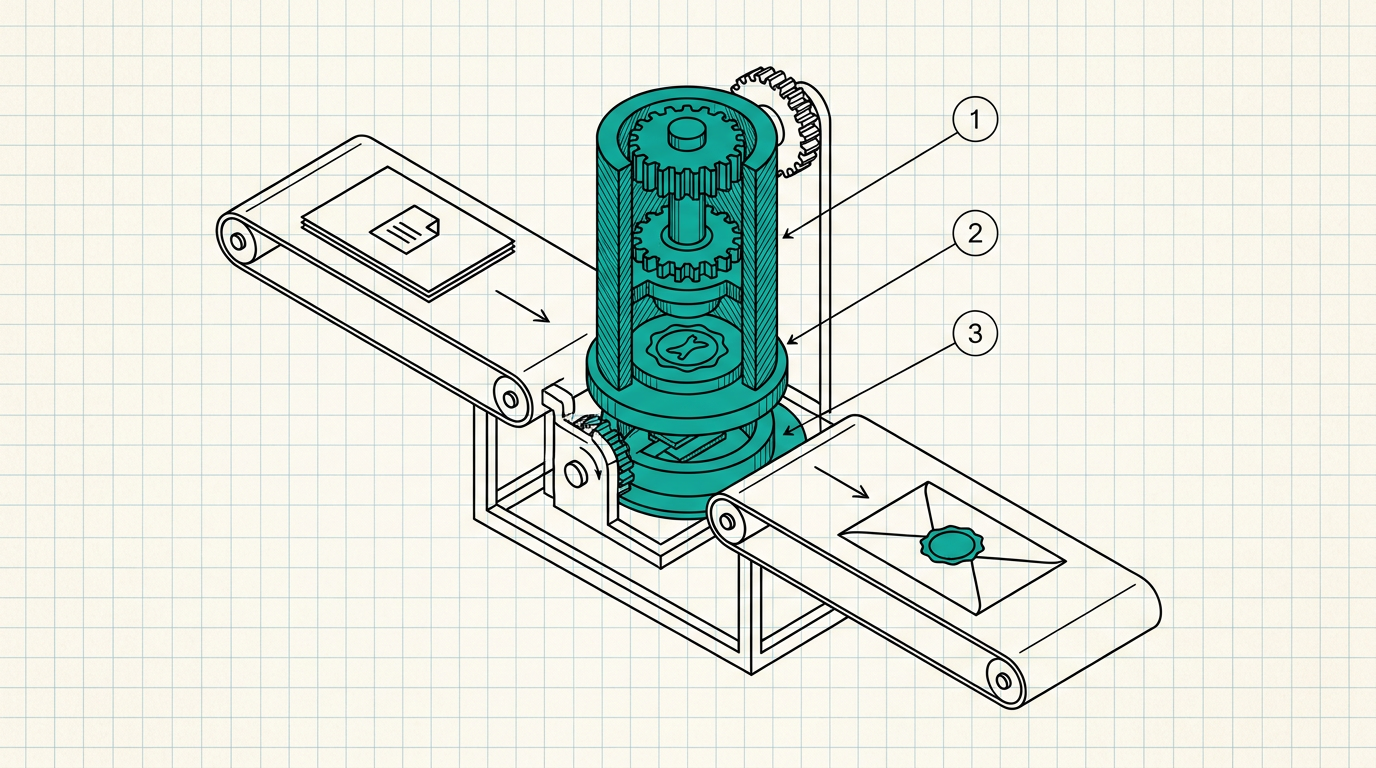
When a customer messages a company running Intercom's Fin AI Agent, Fin reads the conversation, pulls content from the company's Help Center articles or connected sources, sends that content to an LLM, and returns an answer without a teammate touching the case. That round trip, customer message in, sourced content and a model call in between, resolved reply out, is the event a security review actually cares about. I want to walk through what Intercom's own logging captures about it, and where the record stops.
TL;DR
- Fin AI Agent conversations are visible through Intercom's reporting dashboard and, from API v2.11 onward, through Conversation-level metadata showing whether an AI Agent or a teammate handled a case.
- Teammate Activity Logs record admin-side configuration changes: settings edits, invites, data exports, campaigns going live, retained for one year in-app.
- Neither log was built to show which content source fed a specific Fin reply, or what policy should have governed a specific customer's data at that moment.
- A security review needs a record tied to one conversation: the content that was used, the decision that was made, and the identity or policy context behind it.
Two logs, two different questions
Intercom's Fin AI Agent reporting surfaces resolution rates, the content sources Fin drew on, and customer satisfaction feedback at an aggregate level. Starting with API v2.11, the Conversation object exposes which assignee type, AI Agent or teammate, handled a given case, and the Conversations Search API can filter by that field. That answers an operational question well: how many conversations did Fin resolve this week, and which ones.
Separately, Teammate Activity Logs track what a human administrator did inside the workspace: settings changed, teammates invited, data exported, campaigns published. Each entry, retrievable through GET /admins/activity_logs on Intercom's REST API, carries an activity_type, a performed_by admin reference, and a timestamp, retained for a year in-app and longer through the API. That answers a different operational question: who changed what in the account, and when.
The gap between resolution stats and conversation content
Neither log was designed to answer what a compliance reviewer actually asks after an incident: for this specific conversation, what customer data did Fin have access to, which content source did it draw the answer from, and did anything about that customer's data warrant a different handling than the default. Fin's aggregate reporting shows content-source usage at the level of "these Help Center articles got cited this many times," not a per-conversation record tying one customer's specific input to the specific source content and model response involved. Teammate Activity Logs, built to audit human administrators, have no field for an AI Agent's per-conversation decision at all, because from the activity log's point of view, Fin isn't a teammate performing loggable admin actions.
A support leader I've talked with described pulling a single disputed conversation for a review and finding exactly what these two systems were built to show: that Fin handled the case, and that no admin had changed a relevant setting that week. Neither fact answered the question the reviewer actually had, which was what specific account information Fin had pulled into the reply it sent.
What a review should retrieve
A useful review names one Fin-handled conversation involving sensitive account data, then checks four things: which content sources or connected data Fin drew from for that specific reply, what identity or policy context applied to the customer or account involved, whether any data classification governed what could and couldn't appear in the response, and whether that decision is recorded independently of Fin's own conversation transcript. If the honest answer to any of those is "we'd have to reconstruct it from the transcript itself," that reconstruction is not an audit record, since the transcript is generated by the same system a reviewer is trying to audit. Signed audit logs for AI requests lists the fields an independent record needs: identity, data classification, policy version, and outcome, none of which live in a conversation transcript alone.
The scope here is the automated resolution path inside Intercom's own Messenger and Fin AI Agent product. Custom integrations that call an LLM directly, or Fin Actions that trigger a company's own backend APIs, travel a different path with different logging characteristics, and a review needs to trace each path on its own terms rather than assume one log covers both.
DeepInspect
This is the problem DeepInspect was built to solve for the AI traffic an organization controls directly, including the backend systems Fin Actions call and any other LLM-calling tools running alongside Fin in the same support stack. DeepInspect sits as a stateless proxy between an authenticated application and any HTTP-based LLM endpoint, evaluating identity, role, and data classification on each request before it reaches the model, and producing a signed, per-decision audit record independent of the calling application's own transcripts and dashboards.
For a support organization running Fin alongside its own AI tooling, that closes the audit gap Teammate Activity Logs and Fin's aggregate reporting were never built to close: a record that ties one request to one identity, one policy, and one outcome, sitting outside the system that generated the request in the first place. Book a demo today.